
Ratufa Documentation
Organizing form submissions into folders
A "folder" is a concept to organize the form submission records. A form submission record can belong only to one folder at a time.
When Ratufa receives a form submission, it is placed in an inbox folder. You can move a record to one of the folders on the record view page.
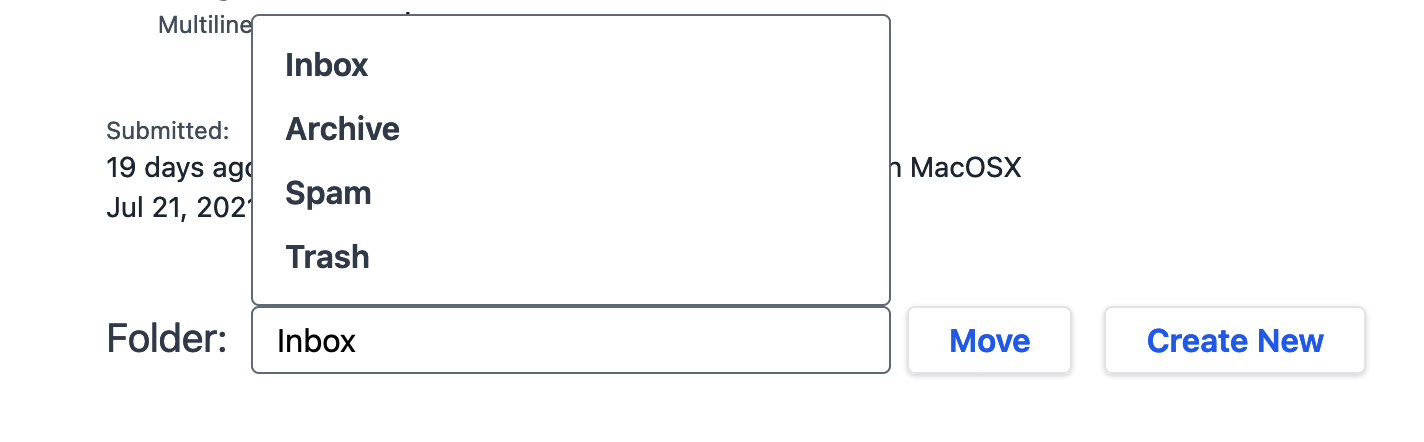
To move a record to a folder, press the change button under the folder heading. Then select the folder and press the move button. If you want to create a new folder, press the "create new" button and give it a name.
You can search for records from a specific folder.
For example:
folder:archive fd.name=arthur